Welcome to Hydra
Hydra is an AI workflow platform that lets you create, share, and deploy reusable AI-assisted development workflows across multiple IDEs.
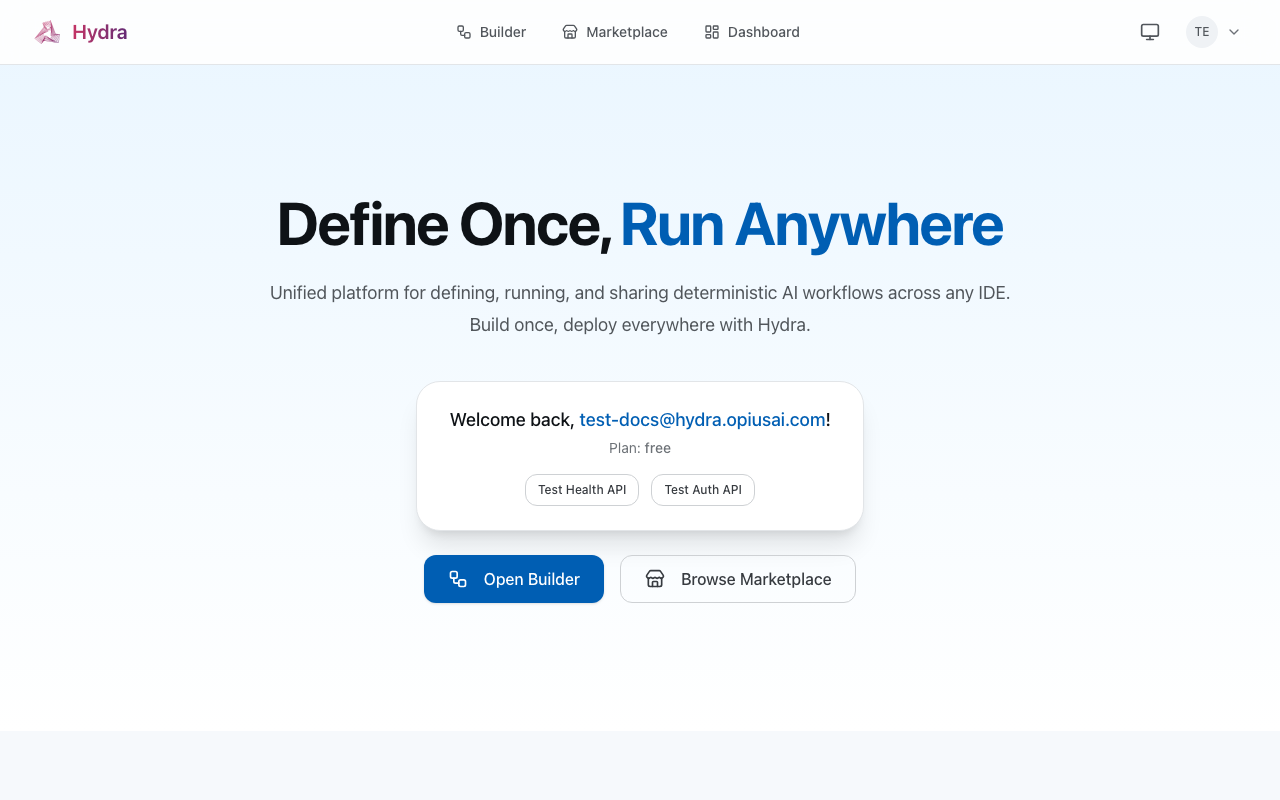
What is Hydra?
Define Once, Run Anywhere. Hydra enables you to:
- Define workflows once using the Hydra Manifest Specification (HMS)
- Deploy to any IDE - Claude Code, Cursor, Codex CLI
- Share and discover workflows in the Hydra Marketplace
- Fork and customize community workflows for your needs
New to Hydra? Start with our 15-minute tutorial to build and deploy your first workflow.
How It Works
The Workflow Lifecycle
System Architecture
Step by Step
Write a Manifest
Define your workflow in JSON using HMS v1.0. The manifest specifies:
- What the workflow does (intent)
- The steps to execute
- Dependencies between steps
Deploy to Hydra
Push your manifest to Hydra. The platform:
- Validates your workflow
- Generates IDE-specific prompts
- Makes it available via MCP
Use in Your IDE
Connect your IDE via MCP and run workflows:
- Claude Code uses sub-agents
- Cursor uses Composer
- Codex uses function calling
Quick Example
Here's a simple bug fix workflow:
{
  "$schema": "https://hydra.opiusai.com/schemas/workflow/v1.0.json",
  "manifest_version": "1.0",
  "name": "Bug Fix Workflow",
  "intent": "Identify, fix, and test a reported bug",
  "steps": [
    {
      "id": "analyze",
      "name": "Analyze the bug",
      "action": "analyze_code",
      "agent": "bug_analyzer"
    },
    {
      "id": "fix",
      "name": "Implement the fix",
      "action": "edit_file",
      "depends_on": ["analyze"]
    },
    {
      "id": "test",
      "name": "Write tests",
      "action": "generate_tests",
      "depends_on": ["fix"]
    }
  ]
}
Supported IDEs
| IDE | Execution Pattern | Best For |
|---|---|---|
| Claude Code | Sub-agent spawning | Complex multi-step workflows |
| Cursor | Composer with inline diffs | Multi-file editing |
| Codex CLI | Function calling | CI/CD automation |
Marketplace
Browse and discover community workflows in the Hydra Marketplace. Find pre-built workflows for:
- Development - Bug fixes, refactoring, feature implementation
- Code Review - AI-powered PR reviews, security audits
- Testing - Test generation, coverage analysis
- Documentation - API docs, README generation
- DevOps - CI/CD pipelines, deployment automation
Next Steps
Get Help
- Troubleshooting - Common issues and solutions
- Support - Email us at support@opiusai.com